Screen 01 · FMLA eligibility
Click to explore
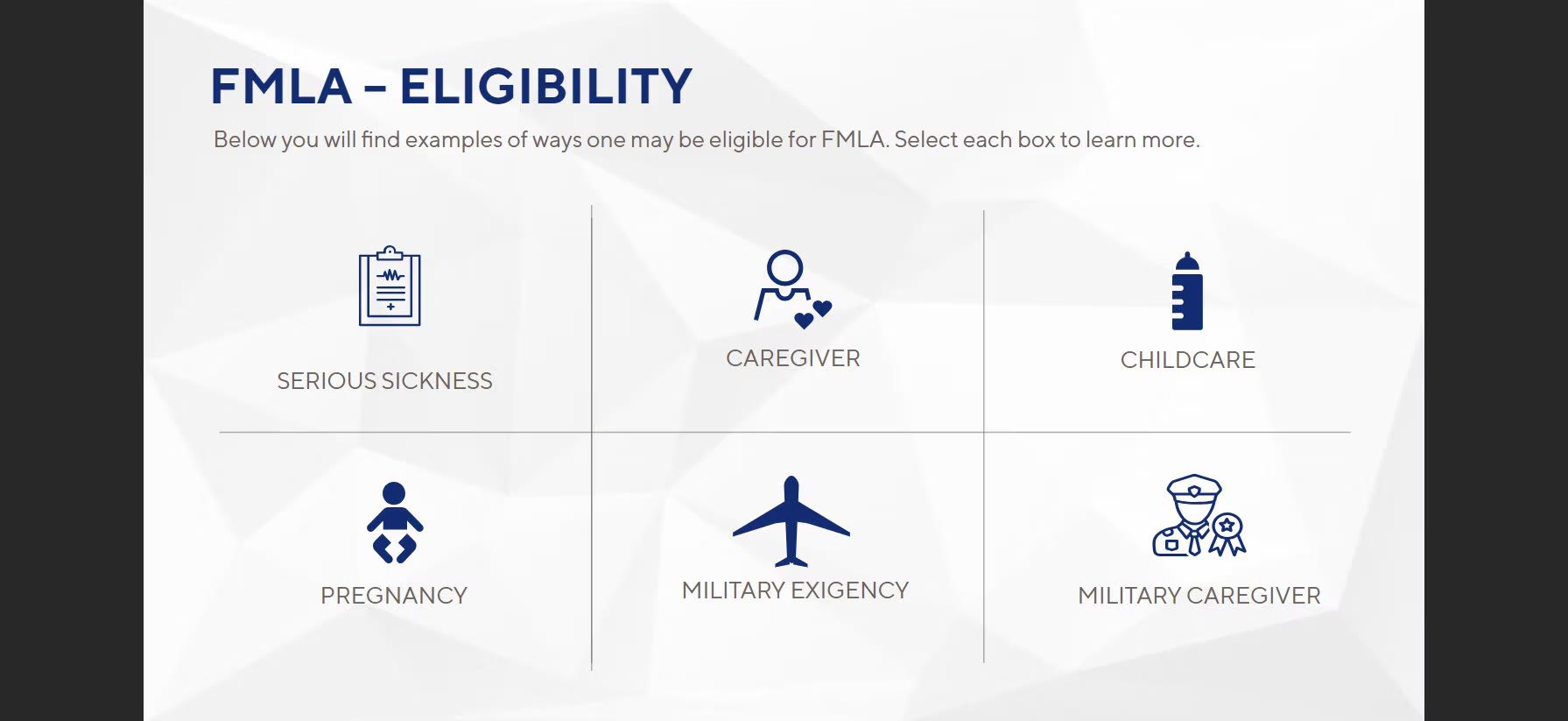 Six icon tiles introduce the ways an employee can qualify for FMLA. Learners choose where to start.
Screen 02 · FMLA eligibility
Click to reveal
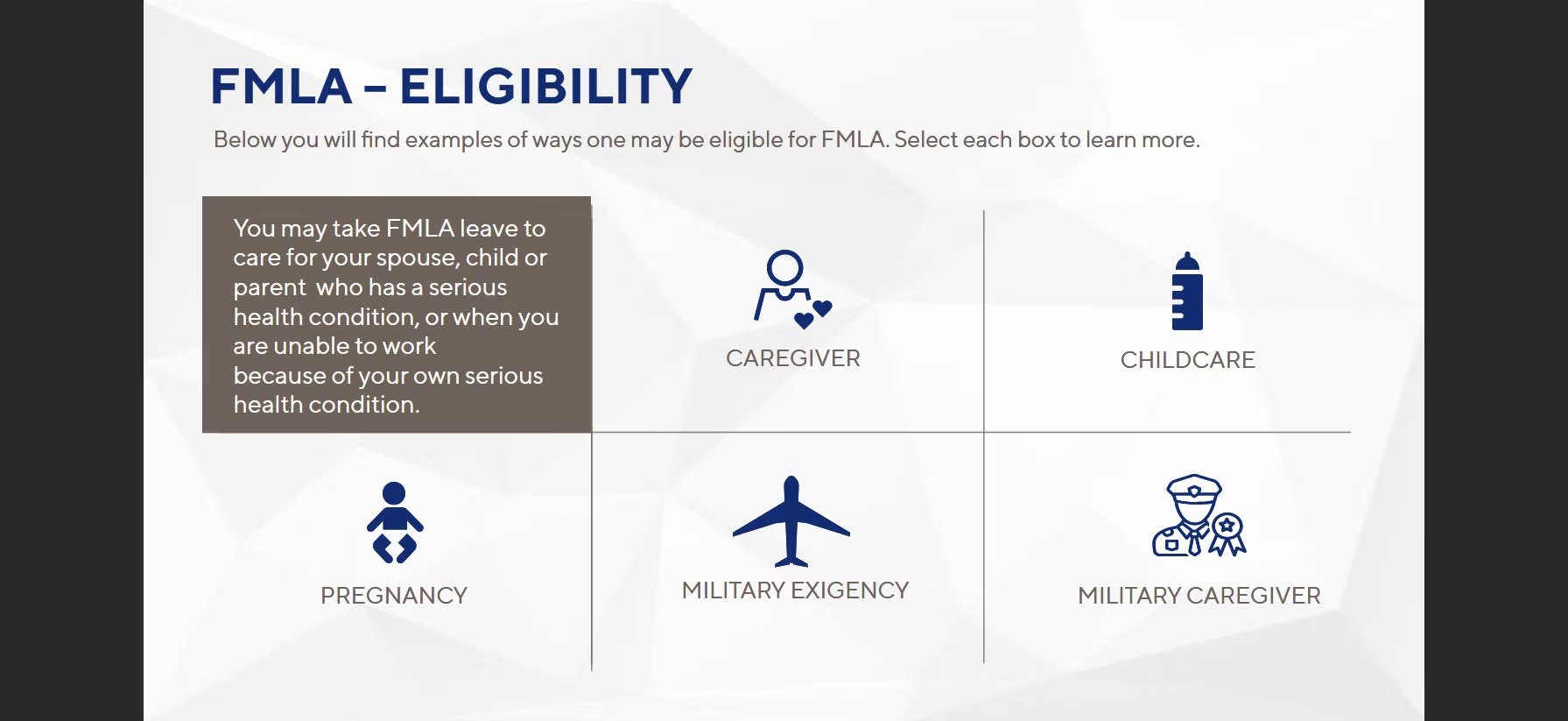 Selecting a tile reveals the details for that qualifier, so learners pull information as they need it instead of reading a wall of text.
Screen 03 · Is it eligible?
Drag and drop
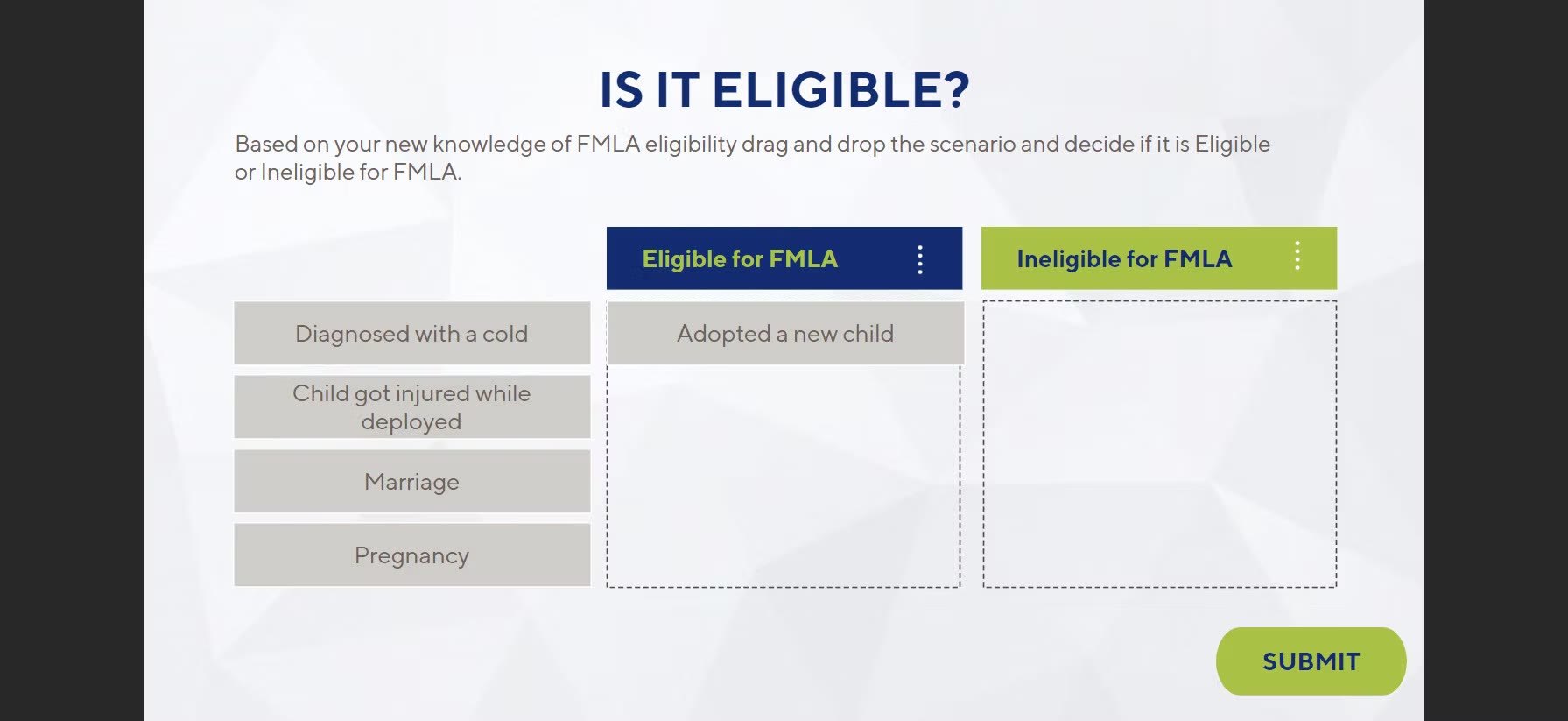 Learners sort real-life situations into eligible and ineligible, applying what they just learned.
Screen 04 · Does it qualify?
Calendar scenario
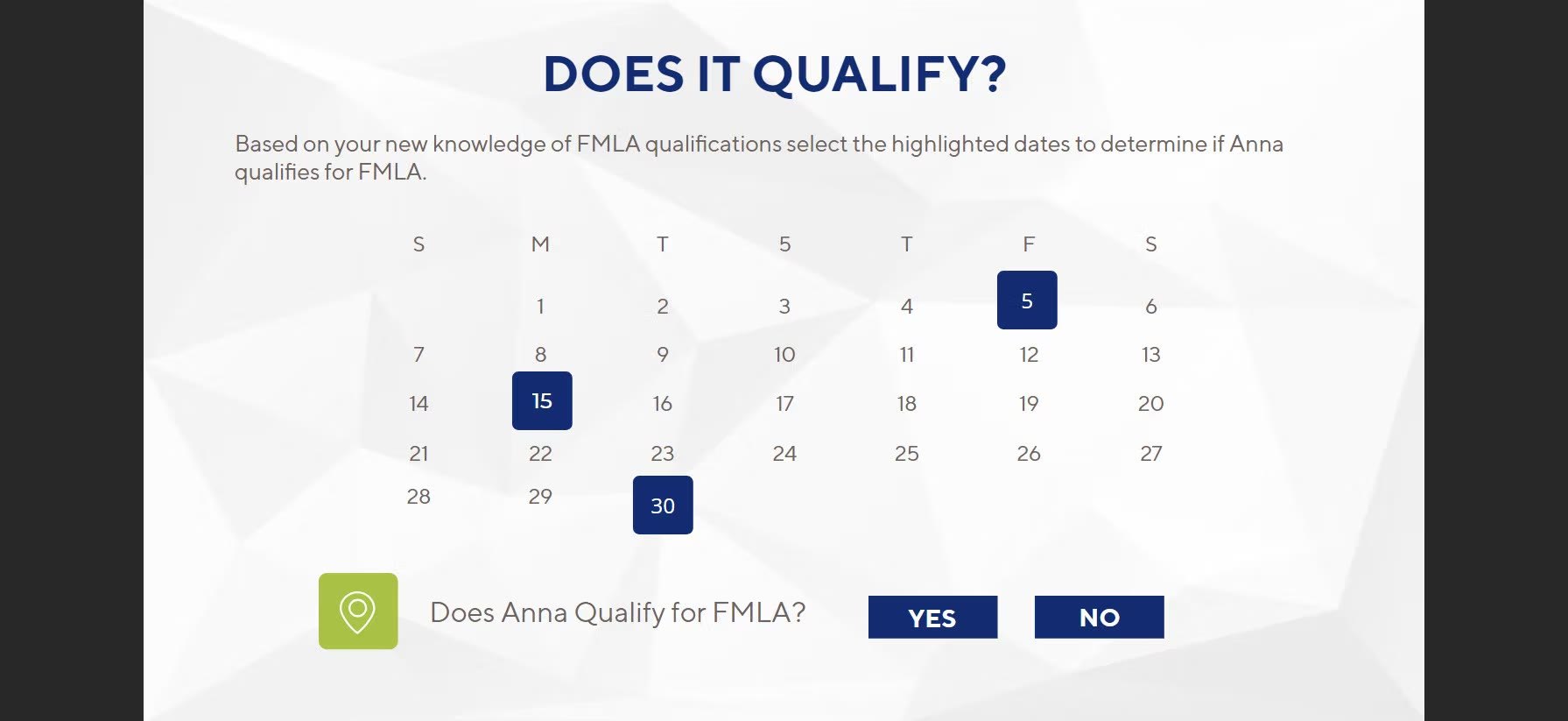 Learners read the highlighted dates on a calendar and decide whether Anna qualifies, the same judgment managers make on the job.
Screen 05 · ADA examples
Quick reference
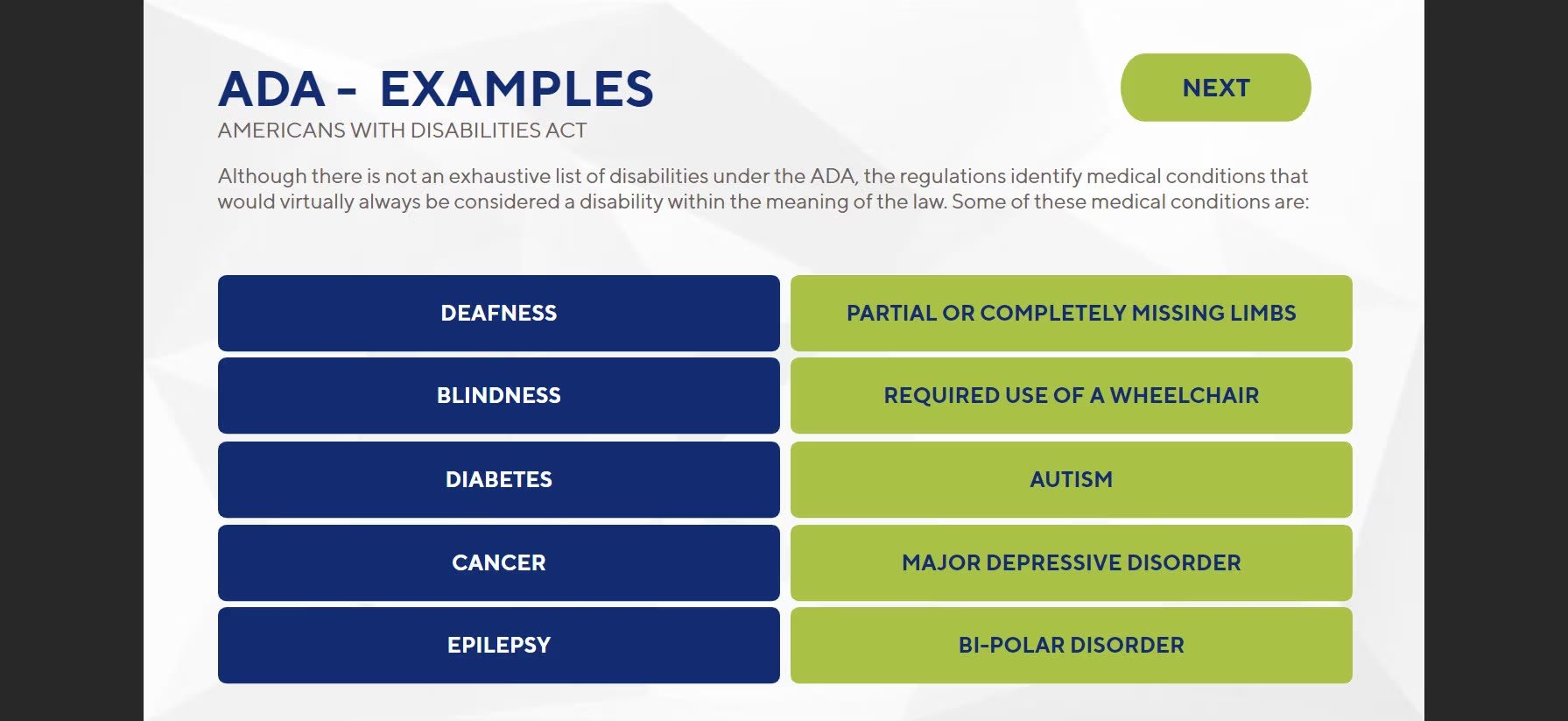 A scannable grid of conditions generally considered disabilities under the ADA.
Screen 06 · ADA: true or false?
Knowledge check
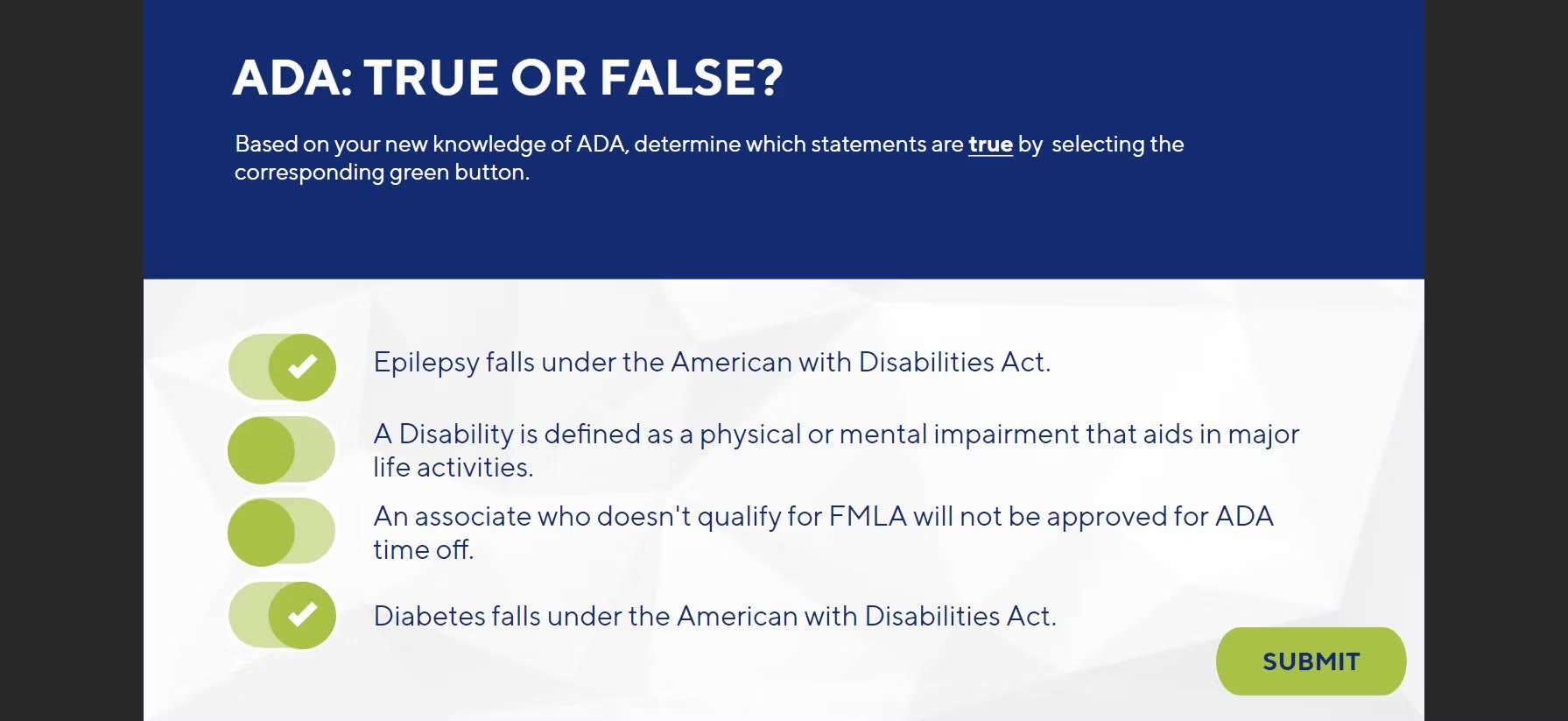 Toggle switches turn a standard true or false check into something quick and tactile.
Screen 07 · Request for personal leave
Annotated form
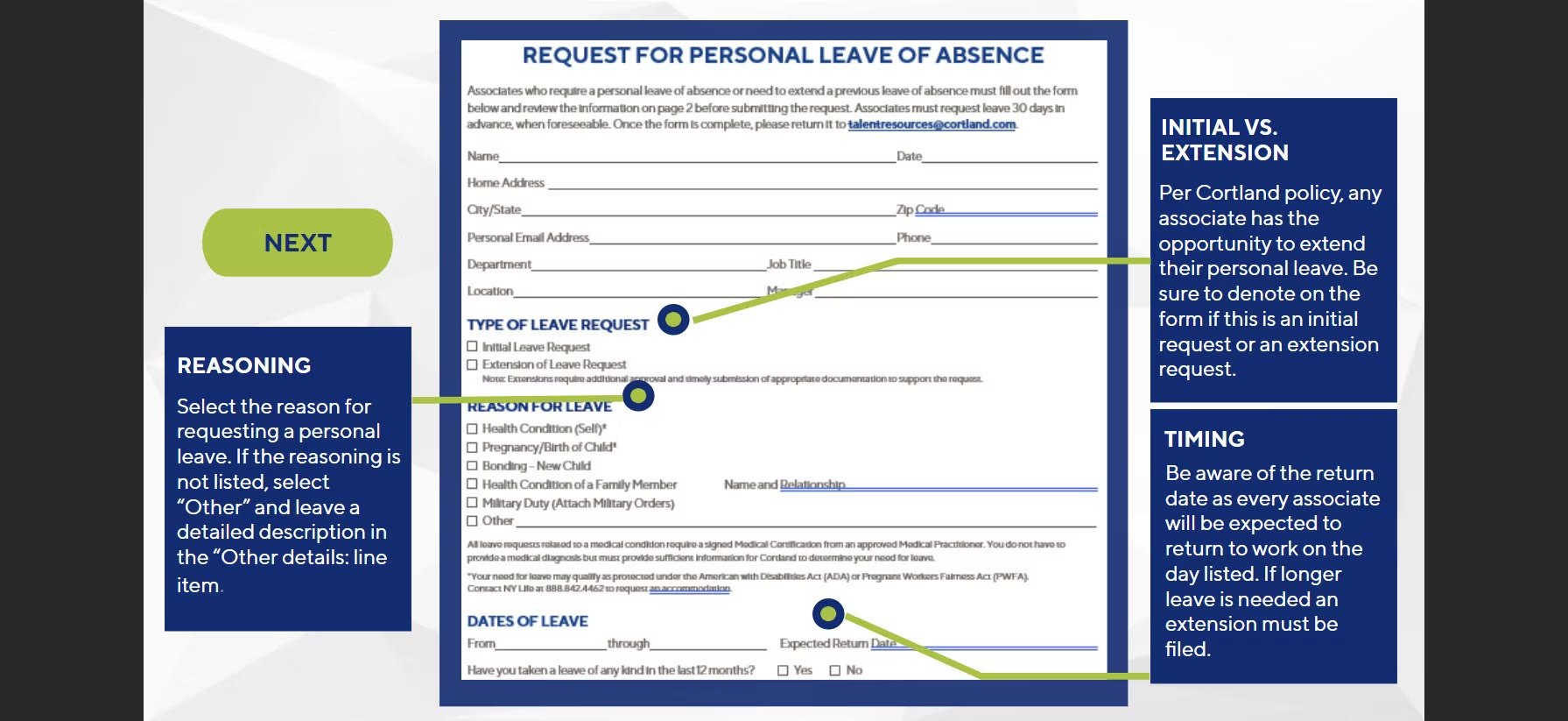 The real request form, with callouts that walk learners through each section before they ever have to fill one out.
Screen 08 · Voluntary leave
Character scenario
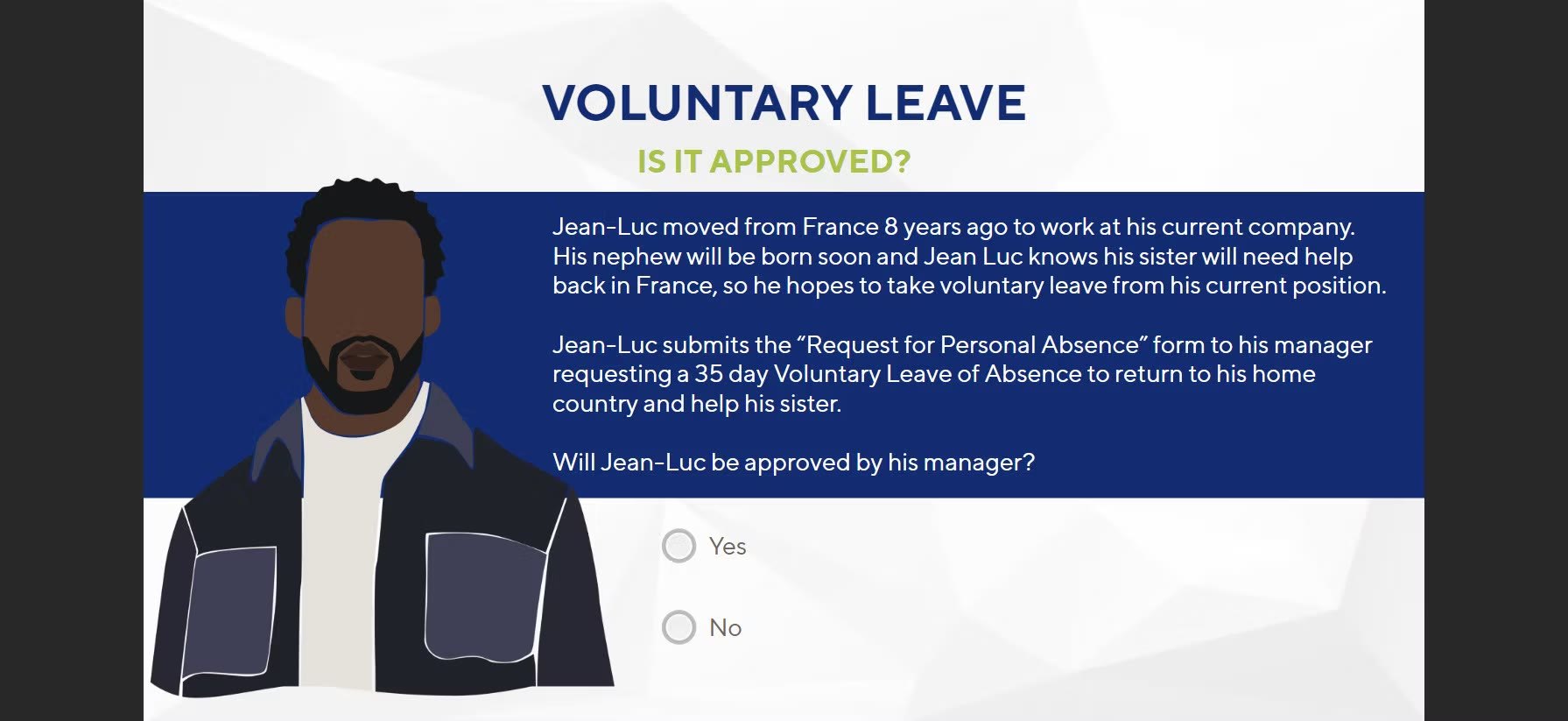 A character-driven scenario asks learners to decide whether Jean-Luc’s leave request gets approved.